
ZoneDeck documentation
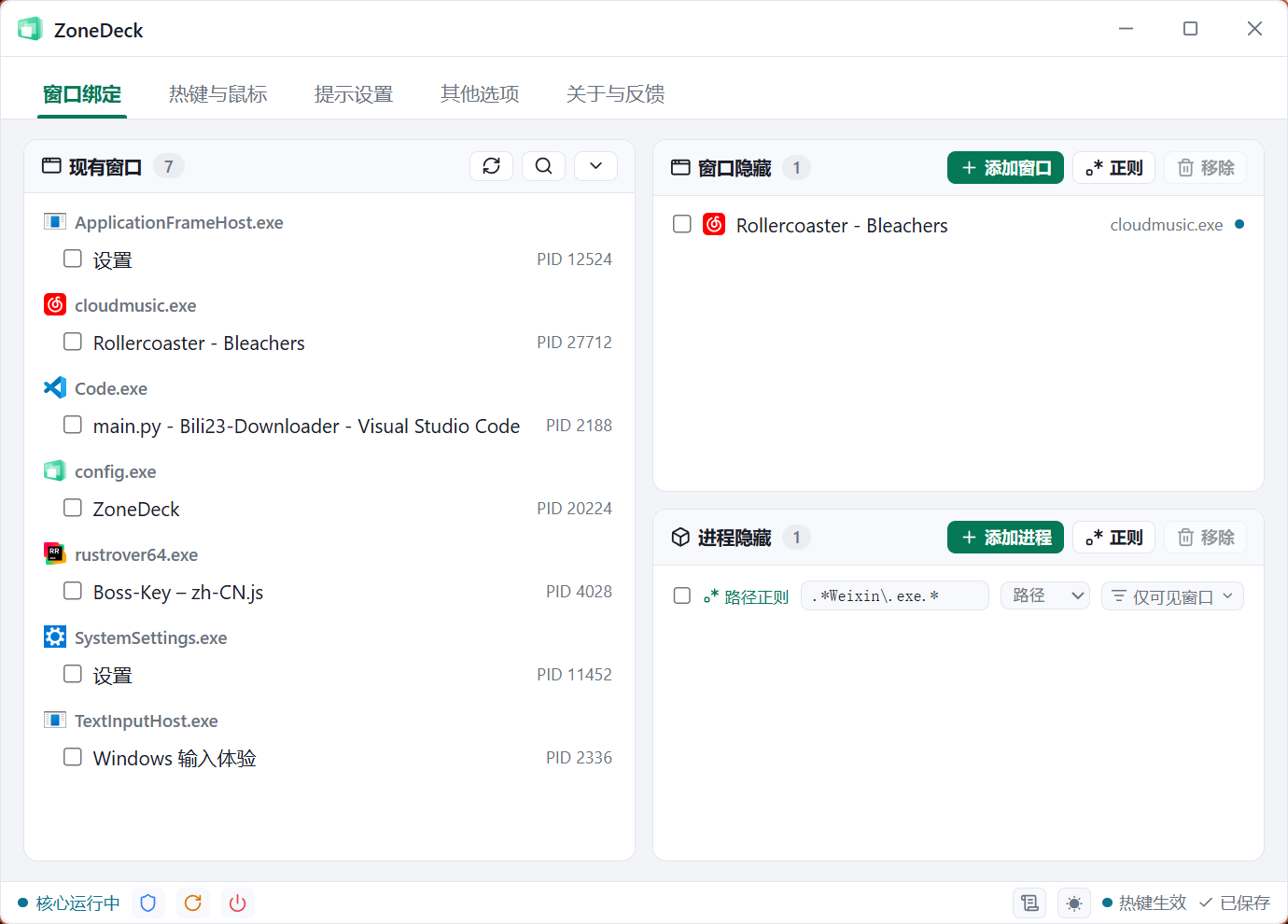
ZoneDeck is a desktop workspace manager for Windows: when you need to switch between work and life, press a hotkey, click a mouse button, or flick the pointer into a screen corner, and the selected windows are hidden and muted at once. Trigger it again to bring them back.
(formerly the Boss-Key open-source project)
Key features
- Multi-window / multi-process hiding: hide any number of windows at once, or hide every window of a program by process.
- Multiple triggers: global keyboard hotkeys, middle / side mouse button clicks (optionally with modifier keys), fast movement into a screen corner, and auto-hide on idle.
- Hiding enhancements: mute automatically after hiding, send the media pause key, freeze processes to cut CPU and memory usage, and hide ZoneDeck's own tray icon along with the windows.
- Precise matching: target a single window, or match titles and process paths in bulk with regular expressions.
- Minimal footprint: v3 is rewritten in Rust; the resident core is roughly a 350 KB binary using about 1 MB of memory.
- Reliable: crash logs, crash recovery and a watchdog form three layers of defence against windows disappearing permanently.
- Modern settings window: frameless window, light / dark / system themes, automatic saving, plus built-in update checks and feedback reporting.
System requirements
| Item | Requirement |
|---|---|
| Operating system | Windows 10 or later (some releases also ship a Windows 7 package) |
| Runtime dependency | The settings window requires Microsoft Edge WebView2 (normally bundled with Windows 10/11) |
| Privileges | Standard user privileges are enough; only enhanced freezing and highest-privilege scheduled-task startup require administrator |
Version notes
v3 is a full rewrite
Starting with v3.0.0, ZoneDeck is rewritten in Rust + Tauri. Compared with the earlier Python versions it uses far less memory, is more stable, and has an entirely new visual design. This documentation covers v3.